
How Much Mobile Data Do You Need When Traveling Abroad?
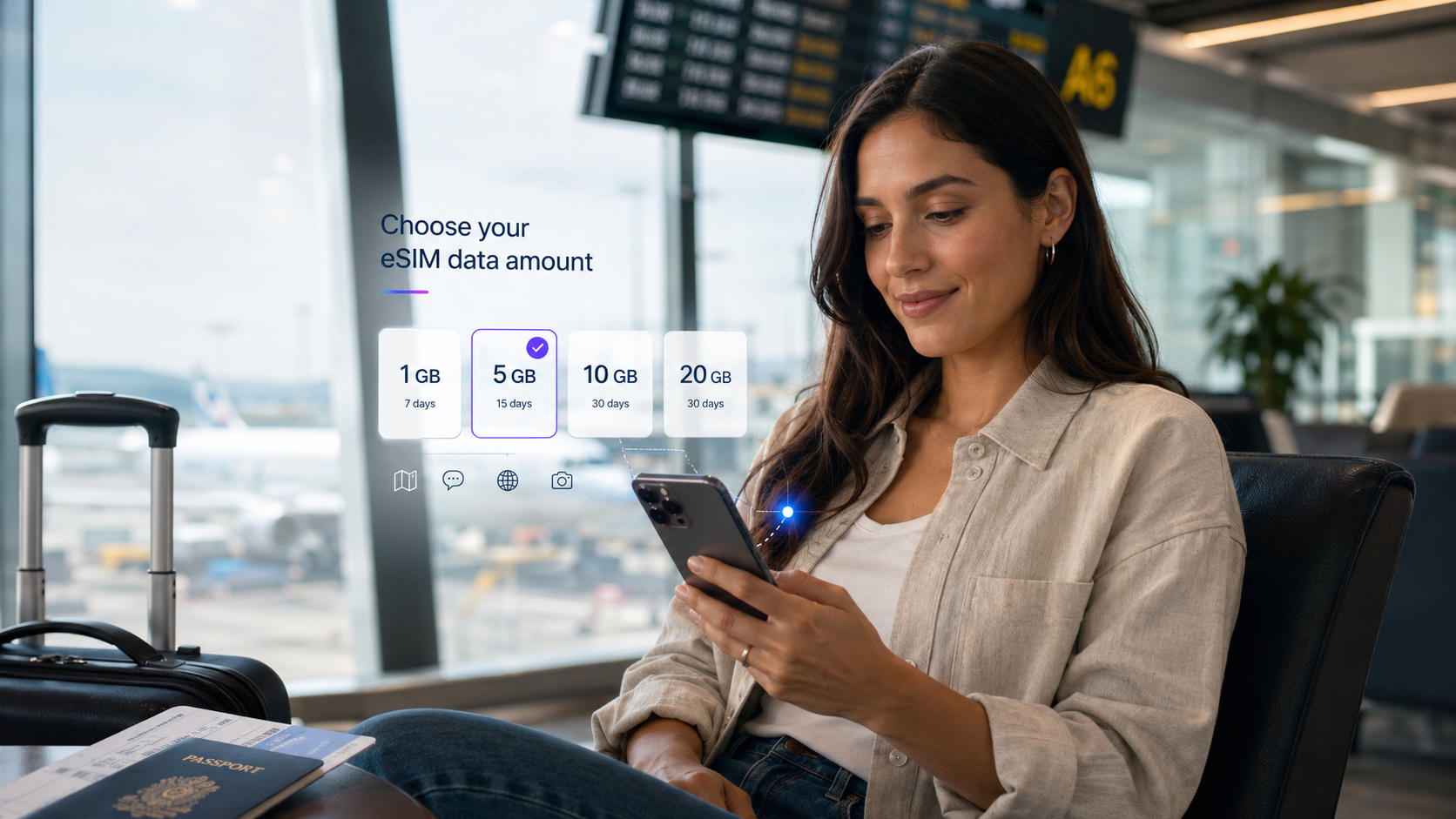
Traveler choosing a mobile data plan on a smartphone before traveling abroad
How Much Mobile Data Do You Need When Traveling Abroad?
Planning an international trip and wondering how much mobile data you should buy?
Whether you're spending a weekend in London, exploring Thailand for two weeks or working remotely from Portugal, choosing the right data allowance can make your journey easier.
Buy too little, and you may run out of internet when you need maps, transportation apps or accommodation information. Choose more than you need, and you may pay for data that goes unused.
So, how much mobile data do you need when traveling abroad?
For many travelers, 3–5 GB can be a reasonable starting point for a week of light to moderate use. However, travelers who stream videos, share hotspots or attend online meetings may require significantly more.
Your ideal allowance depends on your destination, trip length, online activities and whether you have access to Wi-Fi.
This guide explains how to estimate your travel data needs, compare common eSIM allowances and manage consumption when using a smartphone, laptop or several connected devices abroad.
How Much Mobile Data Do You Need for Different Trips?
Start by considering your travel style.
Travel style | Illustrative data allowance |
|---|---|
Weekend city break | 1–3 GB |
One-week holiday with maps and messaging | 3–5 GB |
One-week trip with frequent social media | 5–10 GB |
Two-week international holiday | 5–15 GB |
Three- to four-week trip | 10–20 GB or more |
Remote work with laptop hotspot | Estimate according to workload |
These figures are planning estimates, not guaranteed requirements.
Someone who primarily uses messaging and offline maps may consume very little data. Another traveler could use several gigabytes in one day through streaming and large downloads.
The best approach is to estimate your expected daily usage and multiply it by the number of days you'll be traveling.
What Uses the Most Mobile Data While Traveling?
Different online activities consume very different amounts of data.
Maps and Navigation
Navigation apps are essential when exploring unfamiliar destinations.
Google Maps and Apple Maps use mobile data for searching places, downloading routes and retrieving live information.
However, ordinary navigation often uses relatively little data compared with video streaming.
Downloading offline maps before departure can further reduce usage.
Messaging and Email
Text-based messages and ordinary emails generally use small amounts of data.
However, sending videos, downloading attachments or making video calls can increase consumption.
For travelers mainly using WhatsApp messages, email and occasional navigation, a smaller data plan may be sufficient.
Social Media
Social media apps can consume more data because they frequently load photos and videos.
Scrolling through short-form videos on Instagram, TikTok or other platforms can use substantially more data than reading text.
Actual usage depends on video quality, autoplay settings and how long you spend browsing.
Streaming Movies and TV Shows
Video streaming is one of the activities most likely to consume a large data allowance quickly.
Netflix publishes approximate usage figures for different playback qualities.
Netflix playback quality | Approximate maximum data per hour |
|---|---|
Low | Up to 0.3 GB |
Medium | Up to 0.7 GB |
Standard definition at high settings | Up to 1 GB |
HD | Up to 3 GB |
4K Ultra HD | Up to 7 GB |
These figures apply to the stated Netflix settings. Other streaming apps may consume different amounts.
If you're using prepaid mobile data, consider downloading entertainment over Wi-Fi before traveling.
How Much Data Is 1GB, 3GB, 5GB or 10GB?
Choosing between different allowances becomes easier when you think about how you'll use them.
Is 1GB Enough for Travel?
A 1GB package may suit a short visit with very light usage.
It can be useful for occasional messaging, checking reservations or basic navigation.
However, regular social media browsing or streaming could use the allowance quickly.
Is 3GB Enough for a Week?
Three gigabytes can be sufficient for a week if your usage is relatively light.
For example, you may primarily use maps, messaging, restaurant searches and public transportation apps.
Having access to Wi-Fi for larger downloads makes this more practical.
Is 5GB Enough for International Travel?
A 5GB plan offers additional flexibility for travelers who regularly use maps, social media and online reservations.
It may be a reasonable starting point for a typical one-week holiday, although individual consumption varies.
Is 10GB Enough for Two Weeks?
Ten gigabytes can suit many two-week trips involving regular smartphone usage.
However, daily video calls, streaming and laptop hotspot use may require more.
When Should You Choose 20GB or More?
Larger allowances are worth considering when you:
- Travel for several weeks.
- Work remotely.
- Use hotspot regularly.
- Attend video meetings.
- Upload photographs or videos.
- Share mobile data with other devices.
The right allowance depends on actual activities rather than trip duration alone.
Does Using Hotspot Consume More Travel Data?
Hotspot is one of the most important factors to consider when choosing a travel eSIM data allowance.
A mobile hotspot allows your smartphone to share its internet connection with a laptop, tablet or another phone.
duasim supports hotspot and tethering, allowing compatible devices to use the available data from your travel eSIM.
However, sharing a connection doesn't create a separate data allowance.
If your plan includes 10 GB, your phone and all connected devices share those 10 GB.
Why Can Laptop Hotspot Use Data Quickly?
Laptops may download data in the background for:
- Software updates.
- Cloud synchronization.
- Email attachments.
- Automatic backups.
- Application downloads.
- Video calls.
- Streaming.
For example, you might connect your laptop to answer a few emails, only to discover that it has also started downloading an operating system update.
This can consume far more data than expected.
How to Reduce Laptop Data Usage
Before connecting your laptop:
- Pause automatic updates.
- Pause cloud backups and file synchronization.
- Set the connection as metered where supported.
- Close unnecessary applications.
- Reduce video meeting quality when practical.
- Disconnect when you're finished.
For complete setup instructions, read our guide to using hotspot with a travel eSIM.
How Much Data Do Digital Nomads and Business Travelers Need?
Business travelers and digital nomads often rely on more data-intensive applications than ordinary tourists.
For example, a short business trip involving email, messaging and calendars may require relatively little data.
However, regular Zoom or Microsoft Teams meetings, cloud applications and laptop hotspot use can increase consumption significantly.
The best approach is to identify your working requirements.
Consider how many hours of video meetings you'll attend, whether you need to transfer large files and how often you'll work away from reliable Wi-Fi.
Mobile data can be a useful backup connection, but it may not be the best primary option for every demanding workday.
Read our business travel and digital nomads eSIM guide for more advice.
How Much Data Do You Need for Multi-Country Travel?
If your journey includes several countries, estimate usage across the entire itinerary.
For example, a two-week European holiday might include London, Paris, Madrid and Lisbon.
A regional plan can simplify connectivity across supported destinations.
All duasim Europe regional eSIM packages include the United Kingdom, making them convenient for European journeys that include London or Edinburgh.
When choosing a data allowance, consider your entire trip rather than calculating each country separately.
The same applies to regional journeys in Southeast Asia, North America or Oceania.
For travel across several continents, compare global eSIM plans.
Always check the countries and validity period included in the selected package.
How Much Mobile Data Do You Need on a Cruise?
Cruise travelers have different connectivity needs depending on how many ports they visit.
A standard travel eSIM can provide mobile data in supported ports and coastal areas where an eligible land-based network is available.
However, ordinary travel eSIMs generally do not provide open-ocean maritime coverage.
This means your mobile data needs may be concentrated during shore excursions rather than sea days.
For example:
Cruise travel style | Illustrative land-based data allowance |
|---|---|
A few port visits with maps and messages | 1–3 GB |
One-week cruise with several excursions | 3–5 GB |
Longer cruise with frequent port visits | 5–10 GB |
Working or using hotspot during port visits | Estimate individually |
Shipboard Wi-Fi and specialist maritime data services have separate conditions.
Don't assume that a global eSIM provides internet in the middle of the ocean.
For more information, read does an eSIM work on cruise ships?.
How to Reduce Mobile Data Usage Abroad
You don't necessarily need a larger plan to make travel easier.
A few changes can substantially reduce consumption.
Download Maps and Entertainment Before Departure
Use trusted Wi-Fi to download offline navigation maps, music and videos.
This is especially useful for road trips, flights and destinations with inconsistent mobile coverage.
Reduce Video Quality
Lower streaming quality uses less data than HD or 4K playback.
If you're using a limited prepaid package, consider restricting streaming to Wi-Fi.
Disable Unnecessary Background Activity
Cloud backups, automatic downloads and background refresh can consume data without your attention.
Review the relevant settings before traveling.
Use Data-Saving Features
Many smartphones offer a low-data mode or data-saving settings.
These can help limit background network activity.
Monitor Your Data Allowance
Check your phone's data usage settings and your provider's plan information.
Remember that the phone's measurement may not match the provider's official allowance calculation exactly.
You can manage eSIMs in the duasim app and review your plans.
How to Check Data Usage on iPhone and Android
iPhone
Open Settings → Cellular or Mobile Data.
Scroll to view data usage information.
The available statistics and reset options depend on the device and software version.
If you want to track a specific trip, you can reset the usage statistics before departure, provided you understand that doing so clears the previous counters.
Samsung Galaxy
Open Settings → Connections → Data usage.
Depending on the model, you can view consumption and configure warnings or limits.
Google Pixel
Open Settings → Network & internet → SIMs.
Select the relevant SIM to review usage and available data warning settings.
For official device instructions, see Google's mobile data management guidance.
What Happens When Your Travel eSIM Runs Out of Data?
This depends on the package.
Some plans stop providing mobile data when the allowance is exhausted.
Others may have different restrictions or additional-data options.
If your internet suddenly stops working, check your remaining data and validity before changing advanced phone settings.
Also confirm that your eSIM is selected for mobile data and that your destination is supported.
If the problem continues, read our travel eSIM troubleshooting guide.
How to Choose the Right duasim Data Plan
Before purchasing:
- List your destinations.
- Calculate how many days you'll travel.
- Estimate your daily smartphone usage.
- Include planned streaming and video calls.
- Account for laptop hotspot use.
- Check whether you have dependable Wi-Fi.
- Compare the available plans and validity periods.
- Review the selected package's conditions.
You can browse duasim eSIM plans and compare data allowances for your destination.
FAQ: How Much Mobile Data Do You Need?
How much mobile data do I need for a week abroad?
For light to moderate smartphone usage, 3–5 GB may be a reasonable starting point. Heavy streaming or hotspot use can require more.
Is 5GB enough for a two-week holiday?
It can be if you mainly use messaging, maps and occasional browsing while relying on Wi-Fi for larger downloads.
Is 10GB enough for international travel?
Ten gigabytes can suit many holidays, but your requirements depend on trip length and activities.
Does hotspot use my eSIM data allowance?
Yes. Connected devices consume the same available mobile data. duasim supports hotspot and tethering.
Does watching Netflix use a lot of mobile data?
It can. Netflix estimates up to 3 GB per hour for HD and up to 7 GB per hour for 4K streaming.
Does a travel eSIM use data while I'm not using my phone?
It can. Background applications, updates and cloud backups may consume data.
Do I need mobile data for sea days on a cruise?
Ordinary travel eSIMs generally don't provide open-ocean maritime coverage. Ship Wi-Fi or a specialist maritime service is usually required.
Conclusion: Choose the Right Amount of Travel Data
Understanding how much mobile data you need when traveling abroad can help you avoid both unnecessary spending and running out of internet during your journey.
For many short holidays, a smaller prepaid package may be sufficient.
For longer trips, remote work, streaming or hotspot sharing, consider a larger allowance.
The most important factors are how you use your devices, where you're traveling and whether Wi-Fi is available.
Ready for your next trip? Compare duasim eSIM plans and choose a mobile data allowance that fits your travel needs.