
How to Avoid Roaming Charges When Traveling Abroad
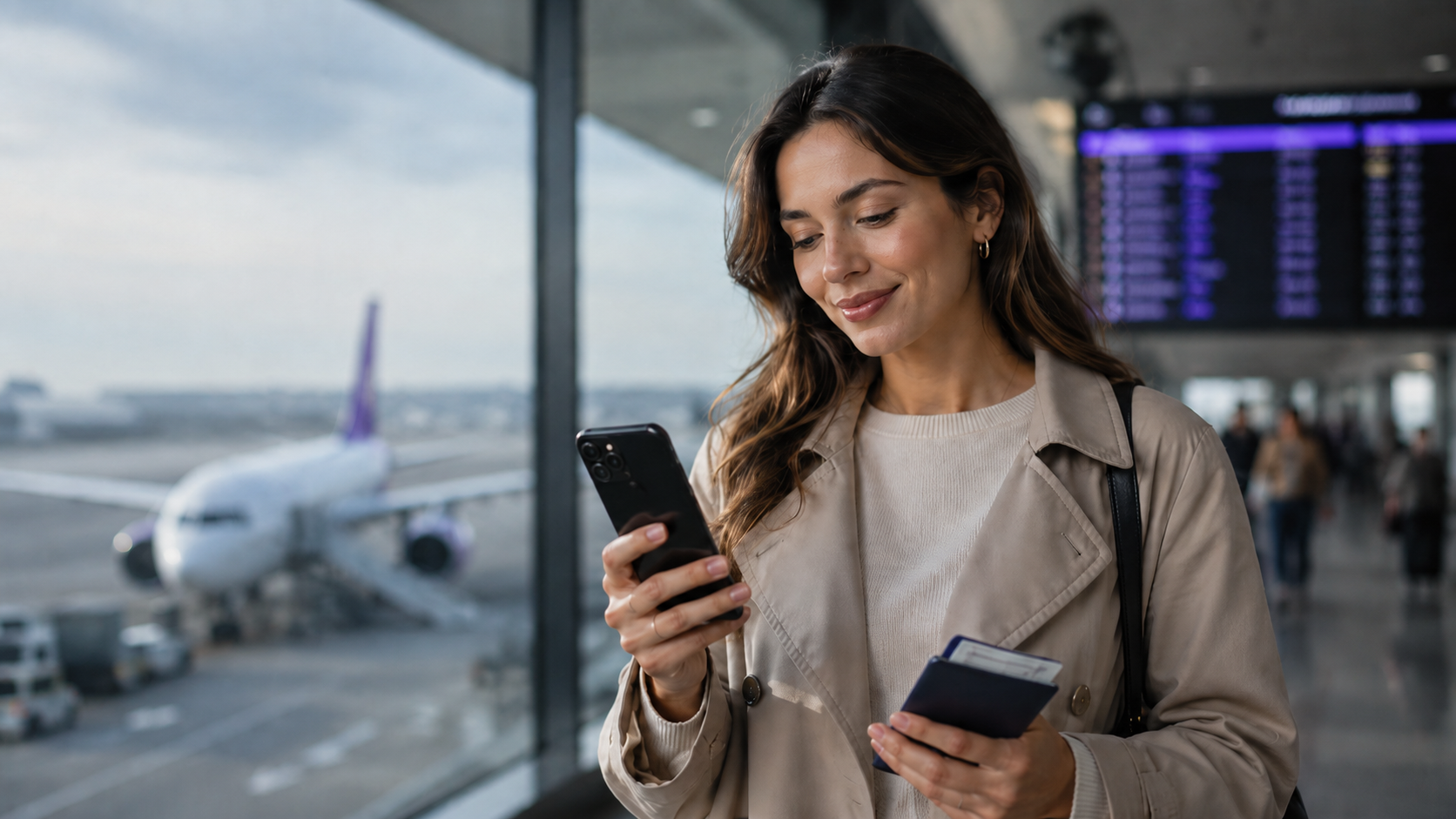
Traveler using a smartphone abroad to avoid roaming charges and stay connected
How to Avoid Roaming Charges When Traveling Abroad
International travel should be about exploring new places, not worrying about your next phone bill.
Unfortunately, mobile roaming charges can become expensive when you use your regular mobile plan outside its included destinations.
Activities such as navigation, streaming, background app updates and uploading photographs may consume mobile data without you noticing.
Cruise ship maritime networks can create an additional risk because their charges may be different from ordinary international roaming.
Fortunately, there are several practical ways to avoid roaming charges when traveling abroad.
From checking your existing plan to using a prepaid travel eSIM, choosing the correct phone settings can help you manage mobile data costs.
This guide explains what roaming charges are, when they apply and how to reduce the risk of unexpected expenses on iPhone and Android.
What Are International Roaming Charges?
Roaming occurs when your phone uses a mobile network outside your regular provider's home network.
Your home provider may have agreements with other operators that allow you to make calls, send messages and use data abroad.
Whether you're charged extra depends on your plan and the destination.
For example, your contract may include roaming in certain European countries but charge separately in other regions.
Roaming charges may apply to:
- Mobile internet usage.
- Outgoing calls.
- Certain incoming calls.
- Text messages.
- Premium or special-number services.
- Maritime or aircraft cellular networks.
The exact charges vary by operator.
How to Avoid Roaming Charges: 8 Practical Steps
1. Check Your Home Provider's Roaming Coverage
Before departure, check which destinations your existing plan includes.
Review any data allowances, daily travel passes and fair-use restrictions.
If your plan already covers your destination at an acceptable cost, you may not need another data service.
2. Consider a Prepaid Travel eSIM
A travel eSIM allows you to arrange mobile data separately from your home subscription.
With a prepaid eSIM from duasim, you can select a package based on your destination, available data and validity.
This can make spending easier to plan.
However, purchasing a travel eSIM doesn't automatically disable roaming on your regular line.
You still need to configure your phone appropriately.
3. Select the Travel eSIM for Mobile Data
On a compatible Dual SIM phone, choose the travel eSIM as the active mobile data line.
This prevents your phone from intentionally using the home SIM for ordinary internet access.
On iPhone, open Settings → Cellular → Cellular Data.
On Samsung or Google Pixel, look for the preferred mobile data SIM in your device's SIM settings.
4. Review Data Roaming on Your Home SIM
If you want to avoid unexpected home-line data charges, disable data roaming on your regular SIM where supported.
Some travel eSIMs require roaming to be enabled on the travel line because they connect through partner networks.
The travel eSIM's roaming setting and your home SIM's roaming setting serve different purposes.
Follow the selected plan's instructions rather than enabling or disabling every roaming setting indiscriminately.
5. Consider Disabling Automatic Data Switching
Some Dual SIM smartphones can automatically switch data between active lines.
If your goal is to use only prepaid travel data abroad, review and potentially disable this setting.
On iPhone, it may be labeled Allow Cellular Data Switching.
The available controls depend on the device.
6. Use Trusted Wi-Fi When Appropriate
Wi-Fi can help you reduce mobile data consumption.
It is useful for downloading maps, uploading photographs and installing large updates.
However, unfamiliar public Wi-Fi networks may introduce security risks.
Avoid accessing sensitive accounts through untrusted networks, and follow your organization's security requirements when traveling for work.
7. Limit Background Data Usage
Applications may use data without being actively open.
Before departure, consider:
- Disabling unnecessary app updates.
- Pausing automatic cloud backups.
- Downloading maps offline.
- Reducing streaming quality.
- Using low-data or data-saving modes.
- Monitoring data usage.
These steps are particularly valuable when using a smaller prepaid package.
8. Prepare for Cruises and Other Special Networks
Cruise ships and aircraft can use cellular systems that are separate from terrestrial mobile networks.
Ordinary country and regional eSIM coverage shouldn't be assumed to apply.
When sailing, airplane mode with Wi-Fi manually re-enabled is a sensible precaution if you don't intend to use maritime cellular service.
How to Avoid Roaming Charges on iPhone
A common arrangement for international travel is to keep the regular line available while using a travel eSIM for internet access.
- Open Settings → Cellular or Mobile Data.
- Confirm your travel eSIM is installed and enabled.
- Open Cellular Data and select the travel eSIM.
- Consider disabling Allow Cellular Data Switching.
- Review data roaming on your primary line.
- Follow the travel eSIM's own roaming instructions.
- Check calling and SMS charges before keeping your main line active.
A travel eSIM doesn't necessarily replace your home phone number.
Read our guide on keeping your main number active with a travel eSIM.
How to Avoid Roaming Charges on Android
On Samsung Galaxy, open Settings → Connections → SIM manager and select the travel eSIM for mobile data.
On Google Pixel, go to Settings → Network & internet → SIMs.
Check the active data line, roaming settings and any automatic data-switching options.
Menu names and available controls vary by manufacturer.
If you're unsure about a particular setting, consult your device's instructions rather than changing unrelated network configurations.
Can a Travel eSIM Help You Avoid Roaming Charges?
A prepaid travel eSIM can help you avoid relying on your regular provider's international data roaming.
It can be particularly useful when your home contract has high charges outside its included destinations.
However, there is no universal guarantee of zero roaming charges.
For example, you may still incur charges if:
- Your main SIM handles conventional calls.
- Your home line sends chargeable SMS.
- Your device switches back to home-provider data.
- You connect to a maritime cellular service.
- Your home provider applies charges to specific calling features.
The safest approach is to understand both your travel eSIM and home-provider terms.
For a fair comparison, read eSIM vs roaming.
Do EU Roaming Rules Eliminate Charges in Europe?
Eligible subscribers from participating European countries can generally use domestic allowances across the Roam Like at Home area, subject to applicable fair-use conditions.
Portugal, Spain, France and Italy are included.
However, the United Kingdom is outside the EU's automatic Roam Like at Home framework. Some home providers include it voluntarily.
All duasim Europe regional eSIM packages include the UK, so a duasim regional plan is a convenient option for supported itineraries combining the UK and continental Europe.
Commercial travel eSIM coverage is separate from legal roaming entitlements.
You can compare Europe regional eSIM plans.
How to Avoid Roaming Charges on Cruise Ships
Cruise ship connectivity requires additional care.
Some ships operate cellular networks such as Cellular at Sea or other maritime systems.
These networks may charge through your regular mobile provider at different rates from ordinary land-based roaming.
Even when you're sailing near a country included in your plan, maritime cellular coverage should not be assumed to be included.
Safer Settings During Sea Days
- Enable Airplane Mode before sailing.
- Manually turn Wi-Fi on.
- Connect to your ship's official Wi-Fi service if desired.
- Keep cellular connections disabled unless you intentionally use an appropriate maritime plan.
- Restore your travel eSIM's mobile data connection when arriving in a supported port.
A standard duasim travel eSIM can be useful ashore where supported networks provide service, but it doesn't provide ordinary open-ocean maritime connectivity.
For full guidance, read does an eSIM work on cruise ships?.
Can Hotspot Sharing Help Reduce Costs?
duasim supports hotspot and tethering, allowing you to share your travel eSIM's mobile data with compatible devices.
For example, you may use your phone's travel connection on a laptop instead of purchasing another data plan.
However, sharing doesn't create extra data. Connected devices consume the same allowance.
If you're sharing a connection with several people, monitor usage closely.
See our travel eSIM hotspot guide for setup instructions.
What If Your Travel eSIM Doesn't Connect?
If your mobile data isn't working abroad, first check the plan's country coverage, validity and remaining allowance.
Then confirm that:
- The travel eSIM is enabled.
- It's selected for mobile data.
- Roaming settings match the plan's instructions.
- Your phone can access a supported local network.
Try toggling airplane mode or restarting the phone.
Don't delete the eSIM profile without provider instructions.
Read our travel eSIM troubleshooting guide.
FAQ: Avoiding Roaming Charges
What is the easiest way to avoid roaming charges abroad?
Check your existing plan, select appropriate prepaid data when necessary, and configure the correct mobile data and roaming settings.
Does turning off data roaming prevent all charges?
No. It generally prevents home-line cellular data roaming, but calls and SMS may still incur charges.
Can I keep my phone number without paying for roaming?
You may keep your number active, but whether calls and messages are free depends on your home provider's terms.
Does a travel eSIM mean there are no roaming charges?
It can reduce reliance on chargeable home-network data roaming, but your regular SIM can still generate charges if used.
Are cruise ship roaming charges different?
They can be. Maritime networks may have separate rates and conditions.
Is the UK included in duasim Europe packages?
Yes. All duasim Europe regional packages include the UK, although UK roaming is not automatically covered by EU regulations.
Conclusion: Prepare Your Phone Before Traveling
Learning how to avoid roaming charges starts with understanding your current mobile plan and the services your phone may use abroad.
A prepaid travel eSIM can help you manage mobile data costs, but correct Dual SIM settings and awareness of calls, SMS and maritime networks are equally important.
Before departure, check destination coverage, data allowances and your regular provider's roaming conditions.
Want to arrange travel data before flying? Explore duasim eSIM plans and choose a package that matches your trip.